


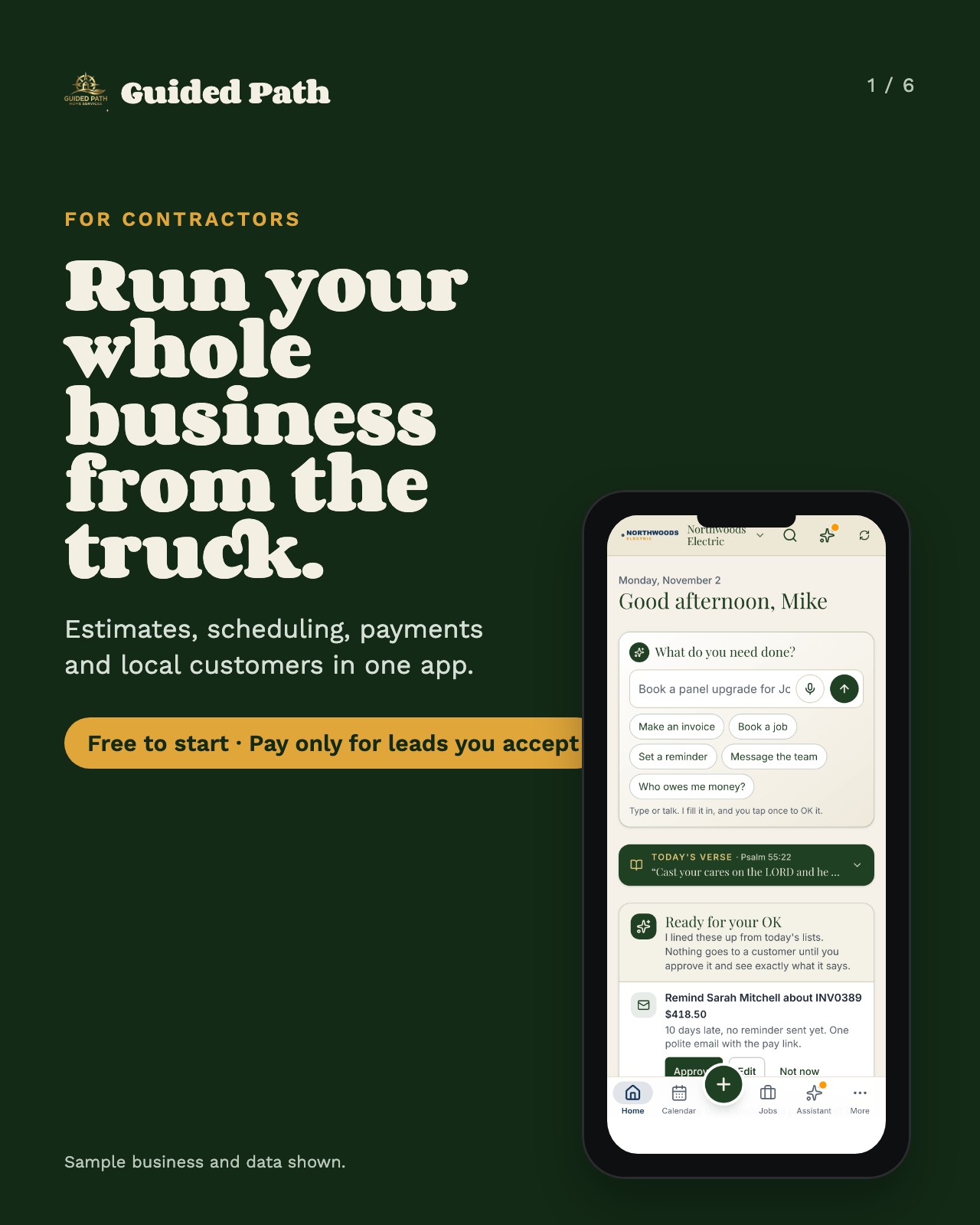
Win the job
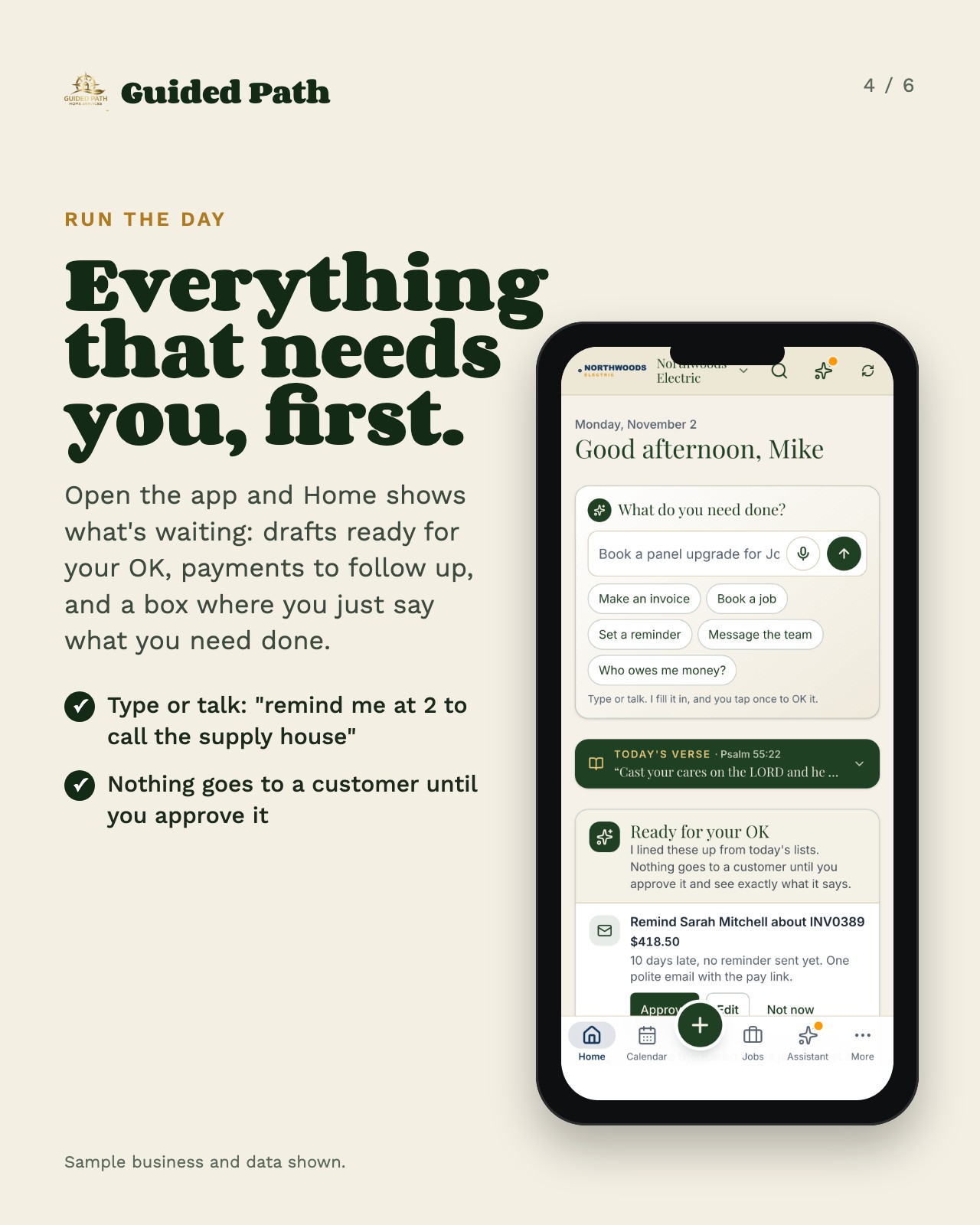
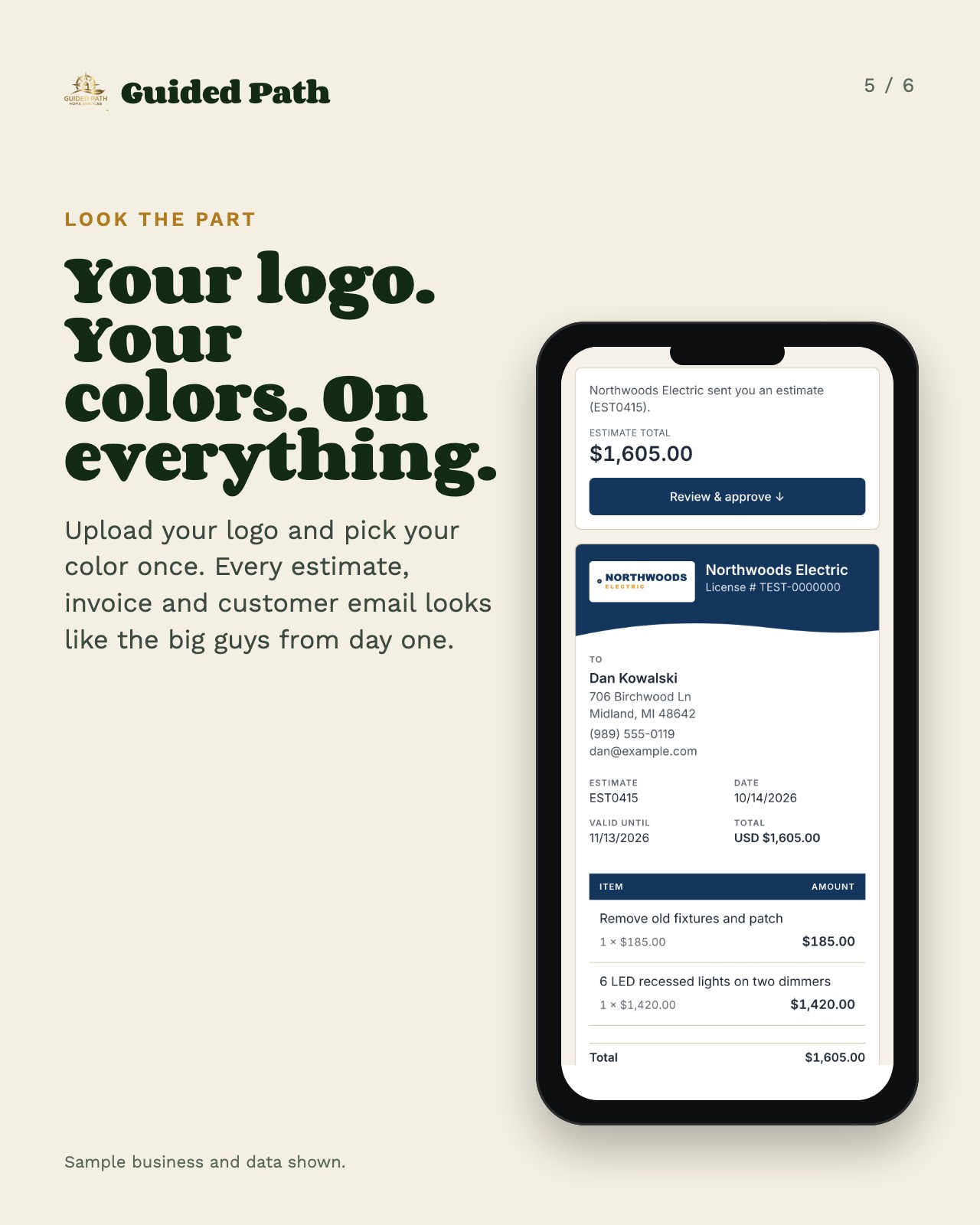
- Describe the job by typing or talking. The app drafts the estimate in seconds, priced from your own rates.
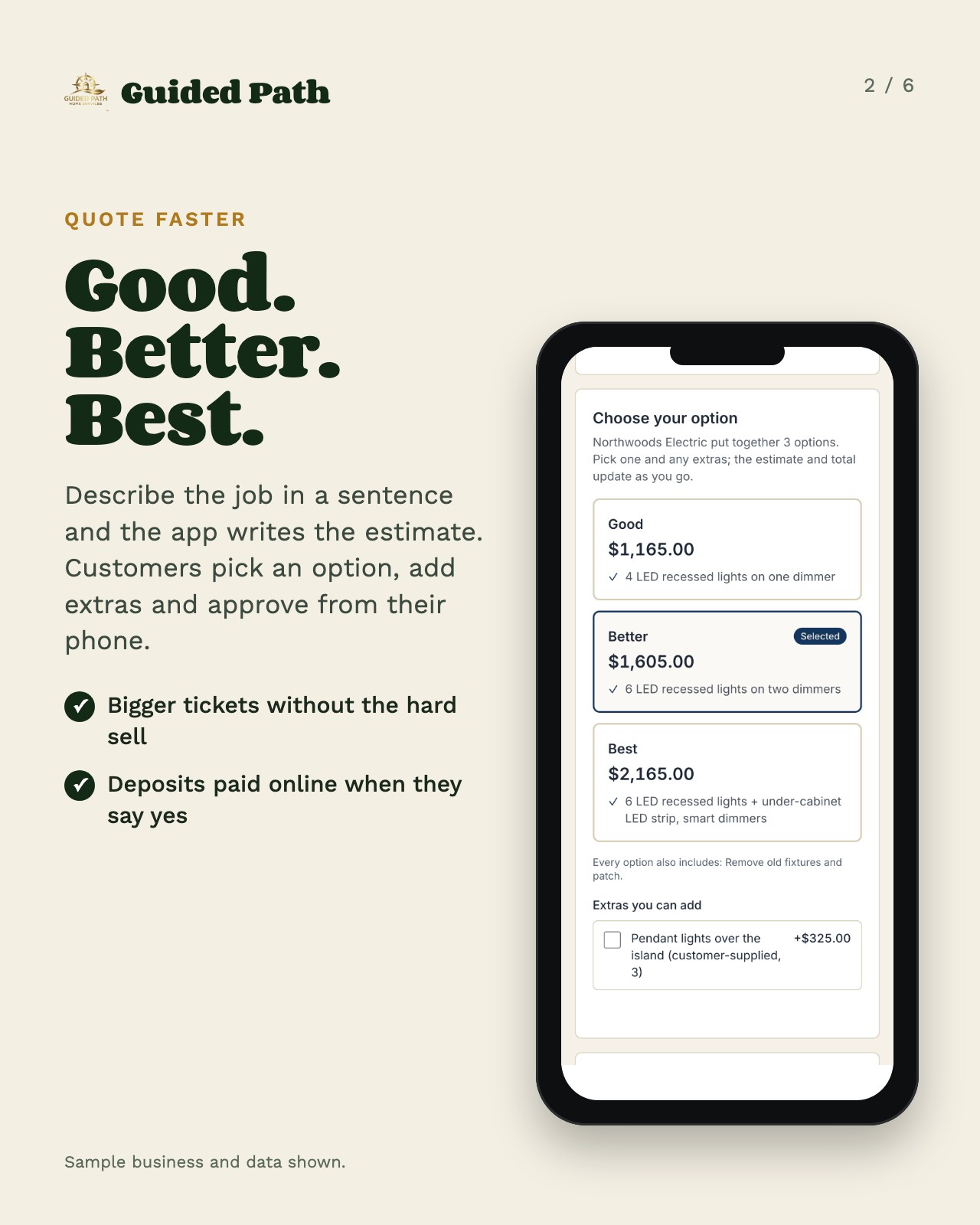
- Good, Better, Best options and add-ons your customer picks and approves from their phone.
- Deposits paid online the moment they say yes.
- Your logo and colors on every estimate, invoice and email.


Get paid
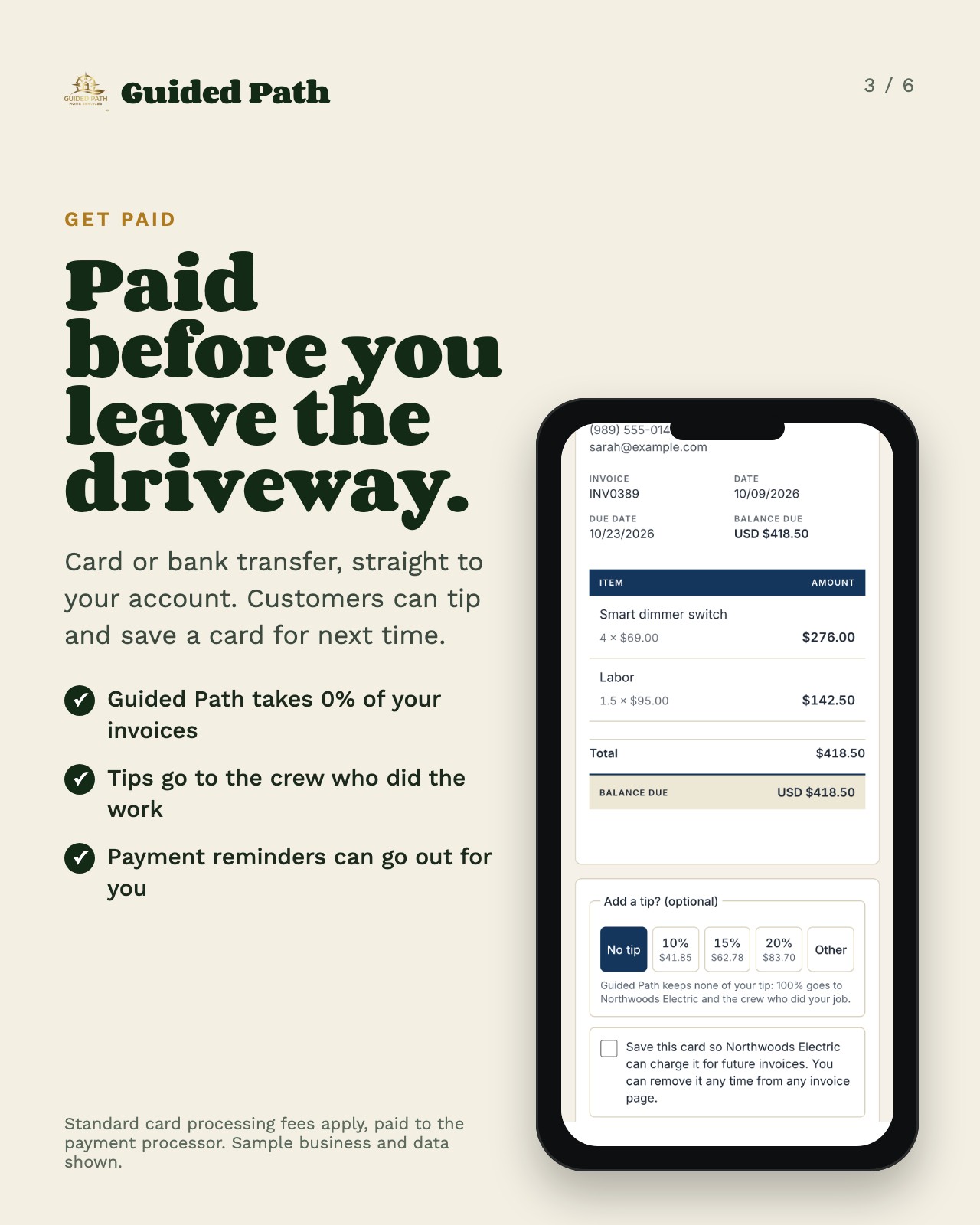
- Card or bank transfer, straight to your account. Guided Path takes 0% of your invoices.
- Optional tips, saved cards and autopay, only when your customer chooses.
- Payment plans, reminders and customer statements.
- Your techs can take payment in the field when you allow it.
Standard card processing fees apply, paid to the payment processor.

Schedule in seconds
See the whole week at a glance, book work in a couple of taps, and stop double-booking your crew.
- Month, week and day views, color-coded by person. Tap a name to see just their jobs.
- Tap an open time to book a job or task, or drag a job to move it. Moves stay quiet unless you choose to let the customer know.
- Your customer can get an automatic email with their appointment time when you save it.
- Multi-day jobs skip weekends and holidays, and you can add days anytime.
- Team coverage shows open workdays, time off and holidays, so gaps are easy to fill.
- Two-way Google Calendar sync, or subscribe from Apple or Outlook. Bring in a Buildertrend schedule and get a heads-up before a double-booking.
- Map the day, print a day sheet, and see your next openings when you pick a time.

Your crew, in step
Everyone sees their own day and clocks in from the job, and you always know who's where. No group texts, no paper timecards.
- Invite admins, dispatchers and technicians. Each person sees what their part of the job needs.
-
Put two or more people on one job. Techs get their own day, calendar and map, with big Clock in and status buttons.
-
Time clock with lunch breaks. Location is saved only at each punch, never tracked in between. Optional QR-code clock-in at the job site.
-
See who's on the clock right now. Timesheets add up everyone's hours and download for payroll.
-
Add each person's hourly cost to see what every job really made.
-
You decide whether techs can take payment, and View as shows you exactly what they see.

Every job, one card
Everything about a job lives in one place, so nobody has to call the office to ask.
- When, status and money right at the top. Tap to call, text or get directions.
-
Job notes the whole crew sees right away, with voice typing. Unlimited before-and-after photos, files, checklists and a shopping list.
-
One-tap status: On the way with an arrival time, Running late, Arrived, Done for today, Mark complete. For your own customers, the app writes the text and you send it from your phone.
-
Clock in and out right from the card, with worked and lunch time added up.
-
Attach the estimate, have AI draft the invoice from the work and hours on the card, check it, and take payment on the spot.
-
Customer sign-off, a printable job summary, and a profit card with expenses and receipt photos.
-
Every text on the job in one timeline. Need to move it? Send the customer times to pick from, or cancel with notice.

Easy from the truck
Built alongside a working electrician, for people who would rather be on the job than at a desk.
- Works on any phone, tablet or computer. Add it to your home screen in seconds, no app store needed.
-
Big buttons, plain words, and one + button to add a job, estimate or invoice from any screen.
-
Talk instead of type: job notes, estimates and invoices all take your voice.
-
Every job on a map, with one-tap directions.
-
Phone notifications for new leads, bookings and payments, and each person picks the ones they want.
-
A built-in assistant and a step-by-step setup guide answer your “how do I…?” questions anytime.
Grow your business
- Optional online booking with your real open times.
- Customer profiles, Google review requests and maintenance plans.
- Job profit, reports, a price book, QuickBooks sync and a year-end package for your accountant.
Getting started
1
Start free
About a minute: name, business, trade, phone and email.
2
Try everything
Network Elite free for 14 days. No card needed, and nothing is ever charged unless you choose to upgrade.
3
Get leads
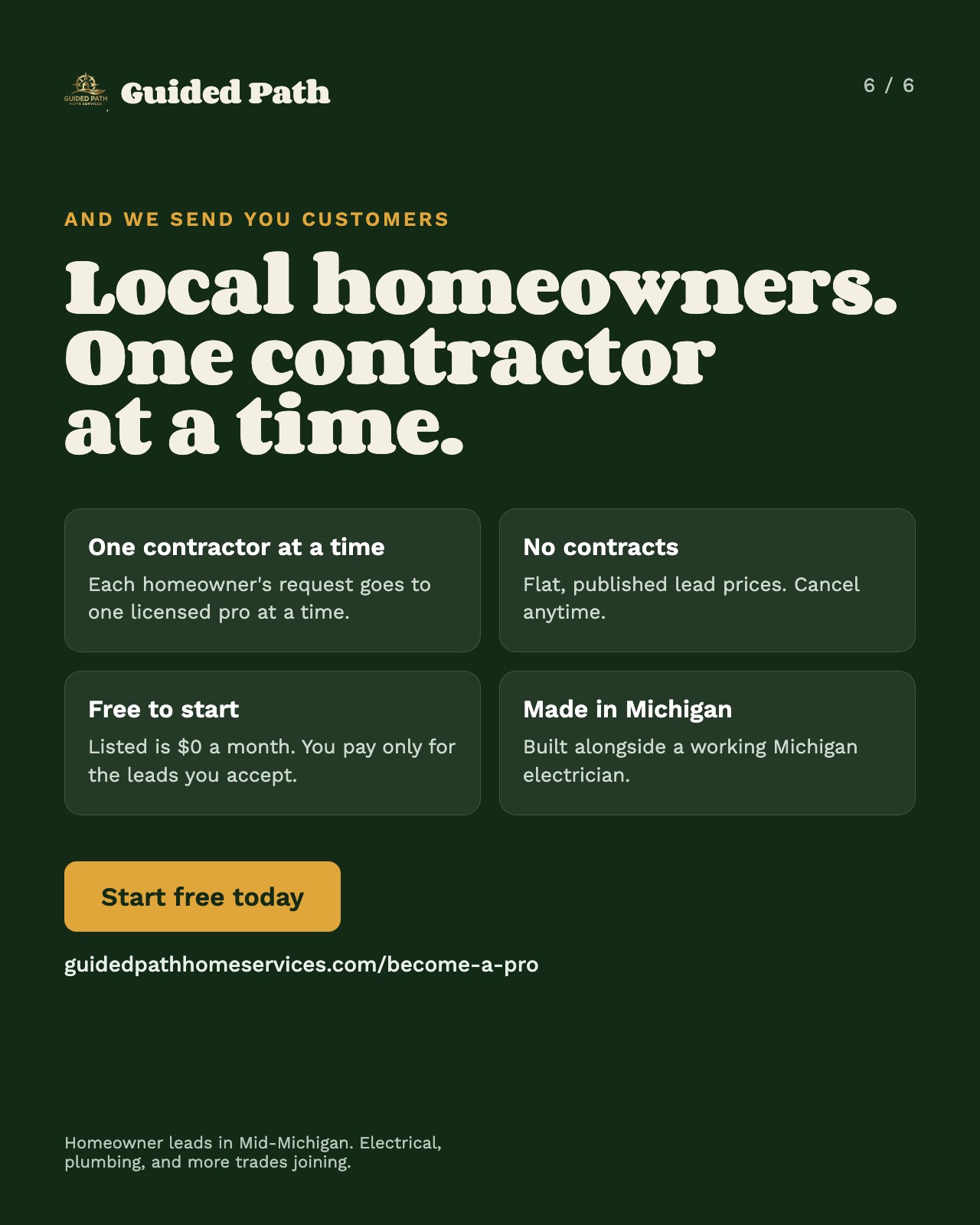
Want homeowner leads? Send your license and insurance from the app, and we check them before we send you any homeowner.
On your phone and computer
iPhone
In Safari
Open app.guidedpathhomeservices.com in Safari, tap Share, then Add to Home Screen.
Android
Google Play
Search "Guided Path for Contractors" on Google Play, or open app.guidedpathhomeservices.com in Chrome and tap Install app.
Computer
Any browser
Open app.guidedpathhomeservices.com in any browser. Your office gets the full-size calendar, jobs board and reports. No app store needed, and one login works on every device.
Screens shown use a sample business with sample data.